5.4 Viewing the List of Closed Maintenance Requests
|
|

To view the list of customer maintenance requests that
have been closed, click on Closed Requests under the Requests drop-down
list on the left side of the screen:

Fig 5.4-1 – “Closed Requests” link
Clicking on Closed Requests takes you to the
following screen where you can see all of the customer maintenance requests
that have been closed:
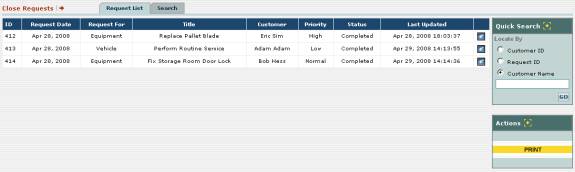
Fig 5.4-2 – List of closed maintenance requests